Start with an official install
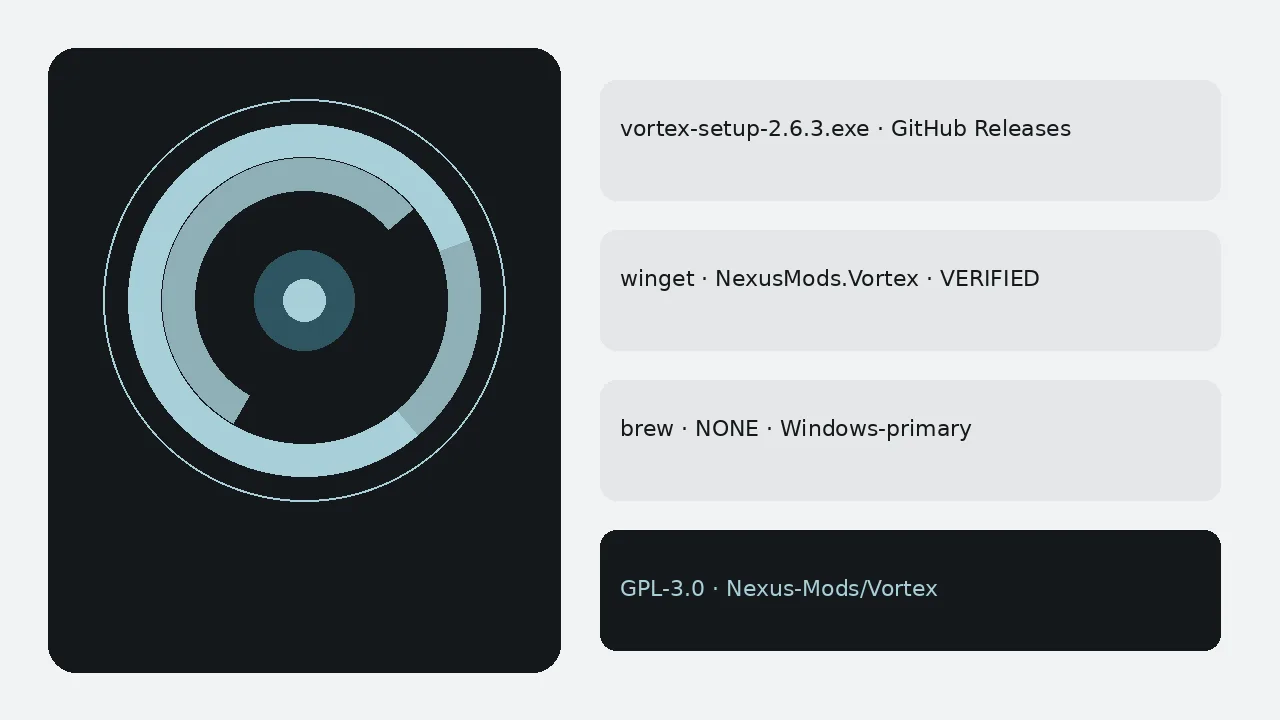
vortex: switch from Mod Organizer begins with a clean Windows install from GitHub Releases or verified winget. Take vortex-setup.exe from the current non-prerelease tag, or run winget install -e --id NexusMods.Vortex. Skip Softonic-style wrappers and beta tags.
Launch vortex and confirm the Games dashboard opens. Write the install door on the machine card so the next update does not invent a new mirror.
Point at games you already own
Open the Games dashboard and manage the same titles you already keep on disk. Existing game installs usually continue to work without a special importer. Confirm the game launches once through vortex before you enable a long mod list.
Mod Organizer instances, profiles, and plugin tools do not travel automatically. Export any notes you need from Mod Organizer first. Rebuild enable order inside vortex profiles instead of expecting a perfect one-click migration.
Prove one deploy
Install one small mod from Nexus Mods or a local archive. Deploy it. Launch the game. That prove step catches broken staging early. Only then move larger collections across.
Optional Nexus Mods sign-in enables nxm download links. You can still stage local archives without an account.
Cutover habits
Keep Mod Organizer installed until the prove step succeeds, then uninstall it when you are ready so two managers do not fight over the same folder. Document which Windows user owns the Nexus Mods session on shared desks.
Compare posture without invented scores on the cluster page vortex vs Mod Organizer. Cluster migration notes also live at switch from Mod Organizer.
Lab and travel notes
Shared desks drift when every volunteer picks a different mirror. Print the GitHub Releases URL, the winget id NexusMods.Vortex, and brew NONE on the same lab card. After each reimage, prove one mod deploy before you hand the machine back.
Classroom images should pin the exact Setup.exe filename beside the OS version. Beta lines stay out of golden images.
Support rhythms
Vague tickets that say only “MO2 to vortex failed” waste mornings. Ask for the tag name, the asset filename, and a screenshot of the Mods panel after deploy. Substitutes can then recreate the desk without guesswork.
When a machine retires, uninstall vortex and clear staging folders per retention rules. Prefer the newest non-prerelease release tag that publishes vortex-setup.exe.
Internal runbooks
Internal runbooks should quote the winget id, brew NONE, and the Releases URL without marketing adjectives. Staff skim under stress. A short checklist with five boxes outperforms a three-page essay that nobody finishes.
After a clean cutover, start with a small managed game, then install heavier collections once deploy works. Keep staging folders on a volume with headroom. Keep one update door per machine. Treat Nexus credentials as separate from the Setup.exe install door.
vortex remains GPL-3.0 open source from Nexus Mods. This guide stays phrase-first: vortex switch from Mod Organizer, never the rival brand first in the title.
More desk habits that keep installs honest
Write the tag name and the Setup.exe filename on the machine card after every successful install. Substitutes should not guess under stress.
- Prefer GitHub Releases or the verified winget id when App Installer is present
- Skip Softonic-style portals that only rank for the head term
- Skip prerelease beta tags until they leave prerelease
- Keep brew NONE on every printed checklist
Shared apartments should document which Windows user owns the Nexus Mods account so downloads and deploy state do not collide.
Travel kits benefit from a single documented installer door written beside the staging folder. School machines should receive the installer on hardware they control, plus a shared note for the update door.
- Prove one mod deploy after every reimage
- Pin the Setup.exe filename beside the OS version
- Clear staging folders per retention rules when hardware leaves
Internal runbooks should quote the winget id, brew NONE, and the Releases URL without marketing adjectives. Staff skim under stress. A short checklist with five boxes outperforms a three-page essay that nobody finishes.
After a clean install, large modlists can overwhelm a new player. Start with a small managed game, then install heavier Nexus downloads once deploy works. Keep staging folders on a volume with headroom when you use asset-heavy projects. Keep one update door per machine. Treat Nexus credentials as separate from the Setup.exe install door.
This remains a Windows-first GPL-3.0 Nexus Mods mod manager. Honest platform limits protect readers more than invented brew or Flatpak doors.
Frequently asked questions
Do Mod Organizer instances import automatically?
No. vortex does not silently import Mod Organizer instances or profiles. Plan to rebuild enable order by hand after you manage the same game folders. Prefer official Releases or winget, then prove one mod deploy.
Should I uninstall Mod Organizer first?
Finish a prove deploy in vortex before you remove Mod Organizer. Two managers fighting over the same game folder can confuse staging. Keep backups of any custom lists you still need.
Where do I get vortex?
Prefer vortex-setup.exe from the current non-prerelease Nexus-Mods/Vortex tag, or run winget install -e --id NexusMods.Vortex when App Installer is present. There is no Homebrew cask. Skip adware portals that only rank for the head term.